What Information Should You Never Share With an AI Chatbot?
AI chatbots can be useful without knowing your passwords, account numbers, private files, or exact identity. Here is what should stay out of your prompts.
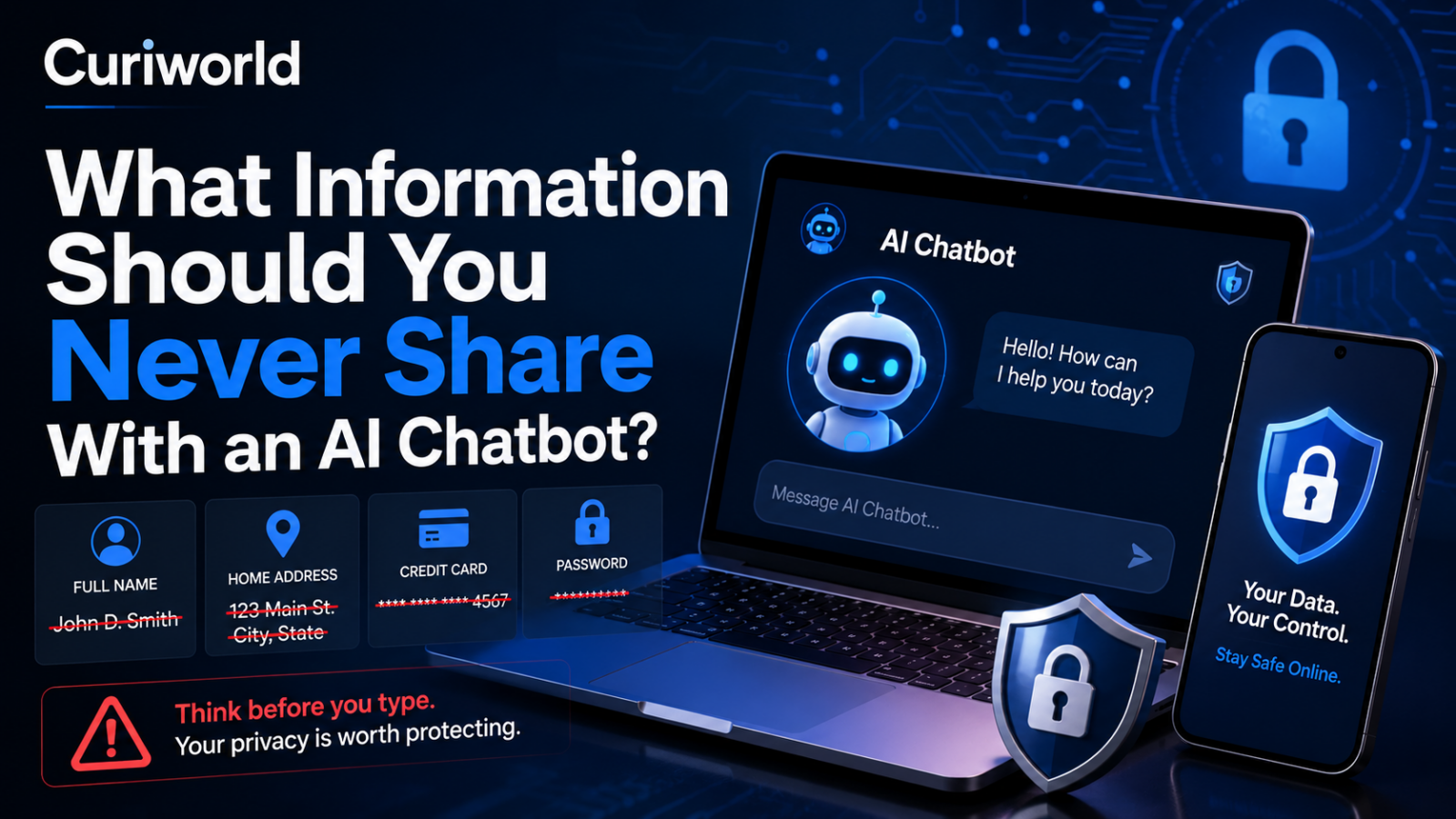
An AI chatbot can feel unusually private.
There is no crowded room, no stranger on the other side of the table, and often no visible reminder that you are sending information to an online service. You type a question, receive an answer, and the interaction can begin to feel more like thinking out loud than sharing data.
That feeling is exactly why it is worth setting a boundary.
A good rule for public AI chatbots is simple: do not enter information that could seriously harm you, another person, or an organization if it were exposed, misused, or attached to your identity.
That does not mean you need to avoid useful context. It means knowing which details should stay out of the prompt—or be removed before you paste anything.
1. Passwords, Verification Codes, and Login Secrets

Some information has almost no legitimate reason to appear in a chatbot conversation.
That includes:
- passwords;
- PINs;
- one-time verification codes;
- account recovery codes;
- security-question answers;
- API keys;
- private cryptographic keys;
- authentication tokens;
- and other credentials that can grant access to an account or system.
If you need AI help troubleshooting a login problem, describe the problem without providing the actual secret.
For example, instead of pasting:
“My password is Ocean!4829 and the site keeps rejecting it.”
say:
“My password meets the stated requirements, but the site still rejects it. What should I check?”
The chatbot does not need the real password to help.
The same principle applies to code. Developers sometimes paste configuration files or error logs into AI tools without noticing that an API key, database credential, access token, or cloud secret is embedded inside them.
Always inspect technical material before uploading or pasting it.
Account credentials matter not only today but over the entire life of a digital account. Curiworld also explains what happens to digital accounts after someone dies.
2. Full Credit Card and Bank Account Details
An AI chatbot does not need your complete payment credentials to explain a banking problem.
Do not paste:
- full credit or debit card numbers;
- CVV or security codes;
- online banking passwords;
- bank account credentials;
- payment authentication codes;
- or screenshots that expose these details.
If you are asking why a transaction failed, the amount, general transaction type, error message, and perhaps the country or currency may be useful.
Your complete card number is not.
The useful question is always: Does the AI actually need this particular detail to answer me?
Usually, it does not.
3. Government-Issued Identification Numbers
Passport numbers, Social Security numbers, national identification numbers, driver’s license numbers, tax identifiers, and similar government-issued identifiers should generally stay out of public chatbot prompts.
This is particularly easy to overlook when uploading documents.
You might want an AI tool to:
- explain a visa form;
- summarize a government letter;
- check a résumé;
- translate a document;
- help understand a tax form;
- or identify fields in an application.
The document may contain far more personal information than the AI needs for the task.
Before uploading it, create a redacted copy.
Remove identification numbers, barcodes, signatures, document numbers, addresses, and other unnecessary identifiers while keeping the portions needed to understand the question.
4. Confidential Workplace Information
One of the biggest AI privacy mistakes can happen at work.
A document may feel harmless because you already have permission to see it. That does not automatically mean you have permission to upload it to an external AI service.
Be cautious with:
- unreleased financial results;
- internal strategy documents;
- customer databases;
- employee records;
- confidential contracts;
- proprietary source code;
- product roadmaps;
- security reports;
- internal meeting notes;
- merger or acquisition information;
- unpublished research;
- trade secrets;
- and documents protected by confidentiality agreements.
The UK’s National Cyber Security Centre specifically advises against including sensitive information in queries to public large language models and warns organizations to consider carefully how their data is handled.
A better approach is to strip the problem down to the structure you need help with.
Instead of uploading a confidential sales report and asking the AI to improve it, you could provide fictionalized figures and ask:
“How would you structure a quarterly sales report containing revenue, growth, regional performance, and three major risks?”
You can get useful assistance without exposing the actual business data.
5. Someone Else’s Personal Information
Privacy does not stop with your own data.
A surprisingly easy mistake is pasting someone else’s information because you are the person asking the question.
Imagine asking an AI to rewrite an email and pasting the entire message chain. It might contain:
- another person’s full name;
- phone number;
- email address;
- home address;
- employment information;
- medical details;
- financial information;
- customer records;
- or private comments never intended for another service.
The same issue appears when people upload spreadsheets, class lists, HR documents, customer complaints, medical reports, or legal correspondence.
Before sharing material with an AI tool, ask a second question:
Am I exposing information that belongs to someone else?
If the identity is irrelevant, replace it.
“Sarah Williams, 44, at 18 West Street” can often become simply “Customer A.”
6. Highly Identifying Medical Information
AI can be useful for explaining medical terminology or helping someone prepare questions for a healthcare professional.
That does not mean a public chatbot needs your entire identifiable medical record.
A health question can become much more sensitive when combined with details such as:
- full name;
- date of birth;
- address;
- patient number;
- insurance number;
- medical record number;
- physician details;
- test documents containing identifiers;
- or other information that makes the record directly traceable to you.
If you want an explanation of a lab value or medical term, remove unnecessary identifying information first.
There is also a second reason to be careful: an AI-generated medical response should not become a substitute for qualified care simply because you provided an extremely detailed medical history.
Curiworld’s broader guide on how to check whether an AI answer is actually correct explains why high-stakes AI claims deserve stronger verification than ordinary factual questions.
7. Exact Location Information When It Is Not Needed
Location can become sensitive when it is precise enough to reveal where someone lives, works, studies, or spends time regularly.
There is a major difference between:
“I live in Chicago.”
and:
“I live alone at this exact address, leave for work at 7:20 every weekday, and return around 6:30.”
The second prompt reveals a behavioral pattern as well as a location.
Avoid sharing exact home addresses, private GPS coordinates, children’s regular locations, access instructions, alarm details, or recurring schedules unless a trusted service genuinely requires that information for a legitimate function.
For many questions, city or neighborhood-level context is enough.
Data minimization often improves privacy without making the AI less useful.
8. Private Legal, Financial, or Negotiation Documents
People increasingly use AI to summarize complicated documents, and that can be genuinely helpful.
But a convenience problem appears when the easiest option is to upload the entire file.
A contract, legal letter, loan document, investment statement, settlement proposal, or negotiation record may contain information that is not needed to answer your question.
Instead of immediately uploading the original, consider whether you can provide:
- the relevant clause only;
- a redacted version;
- a fictionalized version;
- or a general description of the issue.
For example:
“Can you explain what a non-compete clause like this usually means?”
may require a paragraph.
It probably does not require an entire employment file containing your salary, home address, signature, and employee number.
9. Intimate Information That You Would Regret Having Attached to You
Not every sensitive detail fits neatly into a financial or cybersecurity category.
People sometimes tell chatbots things they would hesitate to type into a search engine because conversational AI feels more like a confidant.
That can include extremely private information about relationships, sexuality, family conflicts, fears, personal disputes, or embarrassing events.
There is no universal rule saying you cannot discuss personal subjects with AI. Context can be essential to getting a useful response.
But consider separating the problem from your identity.
Instead of including real names, employers, exact locations, dates, and other identifying details, describe the situation in a way that preserves what matters.
For example:
“A coworker told my manager something I shared privately. How can I approach the conversation?”
may be enough.
The AI usually does not need the coworker’s full name, company, office address, job title, and screenshots of your private messages.
A Useful Test: What If This Prompt Became Public?
One of the simplest privacy tests comes close to guidance from the National Cyber Security Centre:
Would this information cause a serious problem if it became public?
If the answer is yes, do not put the raw information into a public AI chatbot.
That does not mean every AI conversation will become public. AI services differ significantly in how conversations are stored, processed, reviewed, retained, and used. Business and enterprise products may also have different contractual and technical protections from ordinary consumer services.
The point is not to assume a breach.
The point is to avoid making privacy depend on an assumption you have not verified.
Before using a chatbot for genuinely sensitive work, check the provider’s current privacy policy, data controls, retention options, account settings, and—if you are using it professionally—your organization’s own AI policy.
Privacy Settings Help, but They Do Not Turn Secrets Into Safe Prompts
Some AI services provide controls for chat history, model improvement, temporary conversations, retention, or deletion.
Those controls can matter.
They do not change the basic definition of a secret.
A password remains a password even if model training is disabled.
A customer’s confidential file remains confidential even if you plan to delete the conversation afterward.
An API key remains dangerous if someone else obtains it.
This distinction prevents a common mistake: treating a privacy setting as permission to stop minimizing sensitive data.
Privacy controls are an additional layer of protection—not a reason to share information the chatbot never needed.
How to Ask AI Sensitive Questions More Safely
You can often preserve almost all of the usefulness of a prompt while removing most of its privacy risk.
Replace identities
Use placeholders such as:
Person A
Company B
Client 1
Employee X
Remove unnecessary numbers
Replace an account number with:
[ACCOUNT NUMBER REMOVED]
Replace an exact salary with a range if the exact figure is irrelevant.
Generalize locations
Use:
“a medium-sized city in Germany”
instead of a street address if location precision does not affect the answer.
Share only the relevant section
If you need help understanding paragraph 14 of a contract, do not automatically upload all 40 pages.
Use fictional data when testing
If you are asking AI to create a formula, analyze a spreadsheet structure, debug database logic, or design a report, sample data can often accomplish the same goal.
Inspect screenshots and files
A screenshot can expose notifications, email addresses, usernames, account balances, browser tabs, QR codes, or other information you never intended to share.
Documents can contain similar information outside the paragraph you actually care about.
Check before uploading.
Public AI and Approved Workplace AI Are Not Necessarily the Same
This distinction matters.
A company may deploy an AI system specifically configured for internal use with contractual privacy protections, controlled access, security monitoring, and rules governing retention and data use.
That is different from an employee opening an arbitrary public chatbot and pasting confidential material into it.
Organizations should decide which tools are approved for which classes of information rather than expecting individual employees to guess.
For personal users, the equivalent habit is simpler: know which service you are using and understand its data controls before trusting it with anything important.
AI tools can differ substantially in what they can access and how they operate. Curiworld’s comparison of AI search and traditional search also explains why different AI-powered services should not be treated as if they all work in exactly the same way.
The Safest Prompt Contains Only What the AI Needs
The goal is not to make every AI conversation anonymous or meaningless.
It is to avoid unnecessary exposure.
A chatbot may need to know that you are planning a five-day trip. It does not need your passport number.
It may need a section of code. It does not need the production API key hidden above it.
It may need the wording of a contract clause. It does not automatically need every signature and address in the document.
It may need the symptoms you want explained. It probably does not need a full identifiable medical record.
The best privacy habit is therefore not complicated:
Give the AI enough context to solve the problem—and no more sensitive information than the problem actually requires.
If a piece of information functions as a credential, identifies you in a high-risk context, belongs confidentially to someone else, or would cause serious damage if exposed, keep it out of a public chatbot.
Sources
National Cyber Security Centre — ChatGPT and Large Language Models: What’s the Risk?
https://www.ncsc.gov.uk/blog-post/chatgpt-and-large-language-models-whats-the-risk
Federal Trade Commission — FTC Reminds Data Brokers of Their Obligations to Comply with PADFAA
https://www.ftc.gov/news-events/news/press-releases/2026/02/ftc-reminds-data-brokers-their-obligations-comply-padfaa








Join the discussion