How to Check Whether a QR Code Is Safe Before You Scan It
You cannot judge a QR code by how it looks. Check its source, physical placement and destination URL before entering passwords, payment details or personal information.
A QR code gives you almost no visual clue about where it leads.
A legitimate restaurant menu, a fake parking-payment page, a Wi-Fi login, and a phishing site can all be hidden behind black-and-white squares that look essentially identical.
That means the safest question is not “Does this QR code look suspicious?”
It is:
“Can I verify where this code came from and where it wants to take me before I enter anything?”
You cannot guarantee that a QR code is safe simply by looking at it, but a few checks can dramatically reduce the risk.
First, Look at Where the QR Code Came From
Context is your first security check.
A QR code printed inside the official app or website of a company is very different from one stuck to a parking meter, sent in an unexpected email, or included in a package you never ordered.
Be more cautious when a QR code appears:
- in an unexpected text or email
- on an unsolicited package
- on a loose sticker in a public place
- in a message claiming there is an urgent account problem
- alongside a demand for immediate payment
- in a message asking you to verify a password or identity
- from a person or organization you cannot independently confirm
The Federal Trade Commission warns that scammers sometimes send QR codes with stories about missed deliveries, suspicious account activity, or urgent password changes.
The goal is familiar: create enough urgency that you scan first and think later.
Check for a Sticker Placed Over the Original Code
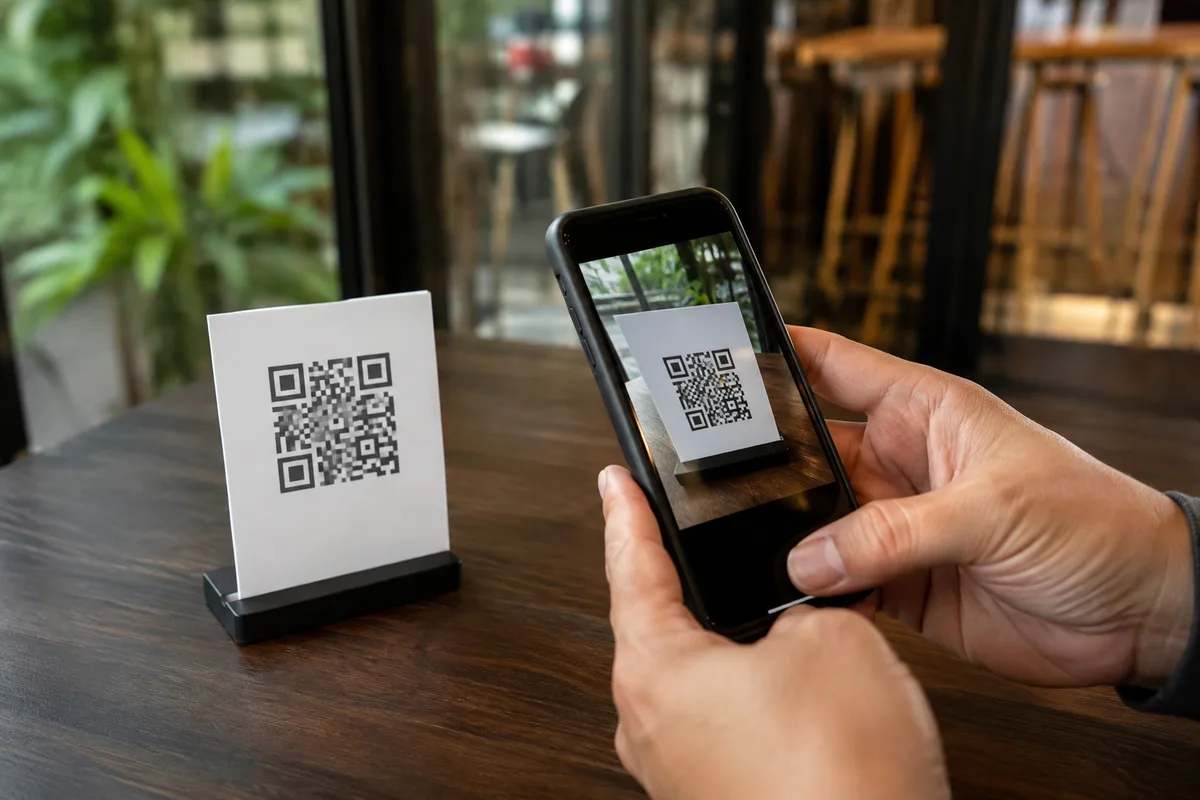
Physical QR codes create a particularly simple attack opportunity.
Imagine a legitimate parking meter containing a QR code for payment.
A scammer does not need to hack the parking company. They can simply print their own QR code and place it over the real one.
The replacement might lead to a convincing fake payment page that collects your card details.
FTC guidance specifically warns about scammers covering legitimate QR codes on parking meters with their own.
Before scanning a code in a public place, look closely.
Does it appear to be part of the original sign or machine?
Is there another sticker underneath it?
Are the corners peeling?
Does the printing quality look different from the surrounding material?
Has the code been placed awkwardly over instructions or branding?
None of these observations proves fraud, but a visibly altered QR code is a good reason not to use it.
If the code is supposed to belong to a parking service, restaurant, transportation provider, or other organization, you can often reach the same service through its official app or website instead.
Preview the Link Before Opening It
Modern phone cameras commonly show a website address or link preview after detecting a QR code.
Do not treat scanning and opening as the same action.
Scan the code, then inspect the destination before tapping it.
Look at the actual domain name.
Suppose you expect to visit:
examplebank.com
but the QR code points to something like:
examplebank-secure-login.com
or:
examp1ebank.com
Those are different domains.
Scammers often rely on small spelling changes, extra words, substituted characters, or domains designed to look vaguely official.
The FBI advises users to carefully examine website addresses because spoofed URLs may differ from legitimate ones by only a letter, number, or symbol.
If you cannot confidently identify the destination, do not continue.
HTTPS Does Not Mean the Site Is Legitimate
People sometimes look for the padlock icon or https:// and assume the website is safe.
That is not enough.
HTTPS means the connection between your device and the website is encrypted.
It does not mean the person operating the website is trustworthy.
A phishing website can also use HTTPS.
So instead of asking only whether the connection is encrypted, ask whether the domain itself is the correct official domain.
That distinction matters whenever the QR code leads to a login or payment page.
Be Especially Suspicious of Login Pages
A QR code that opens a restaurant menu is relatively low risk.
A QR code that immediately asks for your:
- email password
- banking credentials
- credit card number
- account PIN
- authentication code
- Social Security number
- identity documents
deserves much more scrutiny.
If a QR code claims that you must log in to fix an account problem, stop.
Open the organization’s official app yourself or manually type its known website address into your browser.
Do not use the QR code as your route to the account.
If there really is a problem, you should normally be able to see it after signing in through the legitimate service.
Urgency Is a Major Warning Sign
QR-code phishing is often just ordinary phishing with a different doorway.
The psychological tricks are the same.
You may see messages such as:
Your account will be suspended today.
Your package cannot be delivered.
Pay this parking fine immediately.
Someone accessed your account. Scan now to secure it.
The urgency is not accidental.
It is designed to reduce the time you spend checking the request.
If a QR code is paired with threats, deadlines, fear, or unexpected financial demands, independently verify the situation before scanning.
Use a phone number, app, or website you already know belongs to the organization—not contact information supplied alongside the suspicious QR code.
Do Not Assume a Familiar Logo Makes It Safe
Creating a fake page with a bank, delivery company, government agency, or well-known brand logo is easy.
The QR code itself may even appear on a professionally designed flyer.
Visual polish is therefore weak evidence.
A scammer can reproduce:
- logos
- brand colors
- login forms
- payment pages
- government seals
- familiar wording
The address in the browser matters more than how convincing the page looks.
Avoid Random QR Scanner Apps
Most modern smartphones can scan QR codes directly through the built-in camera or operating system.
That means many people no longer need a separate QR scanner app.
Installing an unknown scanner just to read a code adds another piece of software that may request permissions or collect information unnecessarily.
If your phone already supports QR scanning natively, using the built-in feature generally gives you one less unknown app to trust.
Keep your phone’s operating system and browser updated as well. The FTC recommends keeping devices updated as part of protection against malicious links and malware.
What If the QR Code Wants You to Download an App?
Stop and check where the download is coming from.
A legitimate business may use a QR code to link to its mobile app, but you do not have to install software directly from whatever page the QR code opens.
Instead, open your device’s official app store yourself and search for the company’s official app.
Be particularly cautious if a QR-linked website asks you to:
- install an unknown application
- download a configuration profile
- grant unusual device permissions
- disable security settings
- install software outside the normal app store
The FBI warns that malicious QR-code schemes can be used to lead victims toward software that steals information.
Payment QR Codes Deserve Extra Attention
QR codes are widely used for parking, restaurants, donations, tickets, cryptocurrency, and other payments.
That convenience makes payment codes attractive targets.
Before paying, check:
- Who should receive the payment?
- Does the website domain belong to the expected provider?
- Does the amount make sense?
- Was the QR code physically altered?
- Can you reach the same payment page through the official app or website?
If anything looks wrong, do not complete the transaction.
A payment confirmation screen after sending money does not prove you paid the organization you intended to pay.
A Safe QR Code Can Still Lead to a Risky Decision
There is another useful distinction.
The QR code itself does not have to contain malware to cause harm.
It may simply contain a normal web link.
The danger begins after you open that link and:
- type in a password,
- give away payment information,
- download a file,
- approve a login,
- or grant an app permission.
So scanning a suspicious QR code does not automatically mean your phone has been compromised.
What you did afterward matters.
What If You Already Scanned a Suspicious QR Code?
If you scanned it but did not open the link or provide any information, there may be nothing else to do beyond closing it.
If you opened the site but entered nothing and downloaded nothing, close the page and avoid returning to it.
If you entered a password:
- change that password immediately through the legitimate service
- change it anywhere else you reused it
- enable multifactor authentication if available
If you provided card or banking information, contact the relevant financial institution promptly.
If the QR code caused an unfamiliar file or app to download, remove it if appropriate and follow your device manufacturer’s security guidance.
The important point is to respond according to what information or access you actually gave away, rather than assuming every scan produces the same level of risk.
The Quickest QR Safety Check
Before opening a QR-code destination, ask yourself five questions:
- Did I expect to see this QR code?
- Can I verify who placed or sent it?
- Does the physical code appear altered or covered by a sticker?
- Does the preview show the exact domain I expect?
- Is the destination asking for information or action that makes sense in this situation?
If one of those answers makes you uncomfortable, there is usually no reason to continue through the QR code.
Navigate to the organization’s official website or app yourself instead.
You Cannot Judge a QR Code by Its Appearance
A malicious QR code does not look darker, messier, or more complicated than a legitimate one.
That is precisely why QR scams work.
The strongest protection happens around the code: verify the source, inspect the physical placement, preview the destination, check the domain, and be skeptical of unexpected requests for passwords, payments, downloads, or personal information.
A QR code is simply a shortcut.
When the shortcut leads somewhere important, you should still check the destination before following it.
The same rule applies to suspicious audio: appearance or familiarity alone is not proof that something is authentic. Curiworld also explains how to verify an AI voice clone or deepfake recording.
Sources
Federal Trade Commission — Scammers Hide Harmful Links in QR Codes to Steal Your Information







Join the discussion