What Is a Passkey—and Is It Really Safer Than a Password?
Passkeys are replacing passwords across major platforms—but are they really safer? Here’s how passkeys work, why they resist phishing, and what happens if you lose your phone or need to recover your account.
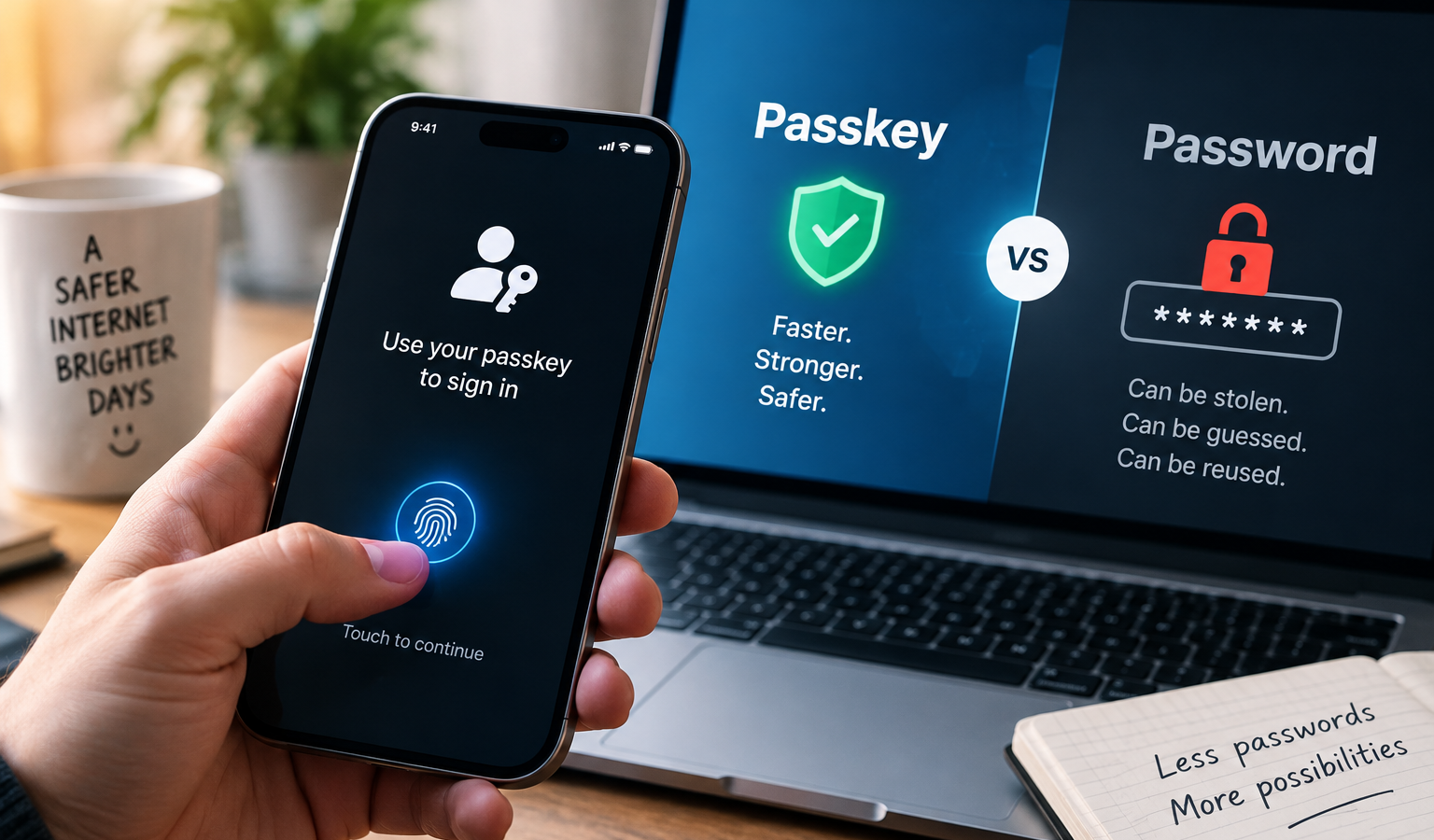
If a website has recently asked you to “create a passkey,” the obvious question is whether you are actually improving your security or simply replacing one login method with another.
For most people, the answer is encouraging: a properly implemented passkey is generally safer than a password, especially against phishing, password reuse, credential stuffing, and stolen password databases.
But passkeys are not magic. They protect the login itself extremely well. Your device security, passkey provider, and account recovery options still matter.
That distinction is worth understanding before you replace passwords everywhere you can.
What Is a Passkey?
A passkey is a digital credential that lets you sign in to a website or app without typing a traditional password.
Instead, you usually confirm the login the same way you unlock your phone or computer: with Face ID, a fingerprint, Windows Hello, a device PIN, or another screen-lock method.
Behind that simple tap or face scan is a very different security system from a password.
When you create a passkey, a cryptographic key pair is created for that account. One part is public and can be stored by the website. The other part is private and is protected by your device or credential manager.
The website does not need a reusable secret that you type into a box.
During sign-in, the service sends a cryptographic challenge. Your device uses the private key to prove that it holds the correct credential without giving that private key to the website.
Google’s passkey documentation notes that only the public key needs to be stored by the service, while the private key required for authentication cannot be derived from it.
That seemingly technical change fixes several problems that passwords have struggled with for decades.
Why a Passkey Is Harder to Phish
The biggest security advantage is not that a passkey is simply “more complicated” than a password.
It is that you cannot type it into the wrong website.
A traditional phishing page works because a fake site can imitate a legitimate login screen. If you enter your real password, the attacker can capture it and try it on the genuine service.
A passkey works differently.
Passkeys are tied to the website or app for which they were created. Your browser and operating system participate in the authentication process and will not normally use that passkey for an unrelated lookalike domain.
NIST specifically identifies WebAuthn—the technology used by FIDO2 passkeys—as an example of phishing-resistant authentication because the credential is cryptographically bound to the authenticated domain. NIST also notes that passwords and manually entered one-time codes are not phishing-resistant.
This matters because even a convincing fake website cannot simply ask you to reveal the secret behind your passkey.
You should still inspect suspicious links. Passkeys do not stop a fake site from convincing someone to send money, download malware, reveal personal information, or use a weaker account-recovery method. Curiworld’s guide to checking whether a QR code is safe before you scan it explains why verifying the actual destination still matters.
Passkeys remove one major phishing weapon. They do not remove every form of social engineering.
Passkey vs. Password: What Actually Changes?
| Security issue | Password | Passkey |
|---|---|---|
| Phishing | Can be entered into a fake website | Designed to work only with the correct site or app |
| Password reuse | Same password may be reused across accounts | A separate credential is created for each service |
| Server breach | Password hashes may be stolen and attacked | Service stores a public key rather than your private credential |
| Guessing | Weak passwords can be guessed or cracked | Not based on a human-created phrase |
| User memory | Must be remembered or stored | Managed by a device or credential manager |
| Device loss | Depends on where the password is stored | Depends on whether the passkey is synced or device-bound |
| Recovery | Usually password-reset process | Passkey or account-provider recovery may still be required |
This is why comparing a passkey with a very long password misses part of the point.
A 30-character password can be extremely difficult to guess and still be vulnerable if you type it into a perfect copy of your bank’s login page.
A passkey changes the authentication model rather than simply making the secret longer.
But Isn’t a Four- or Six-Digit Phone PIN Weaker Than a Long Password?
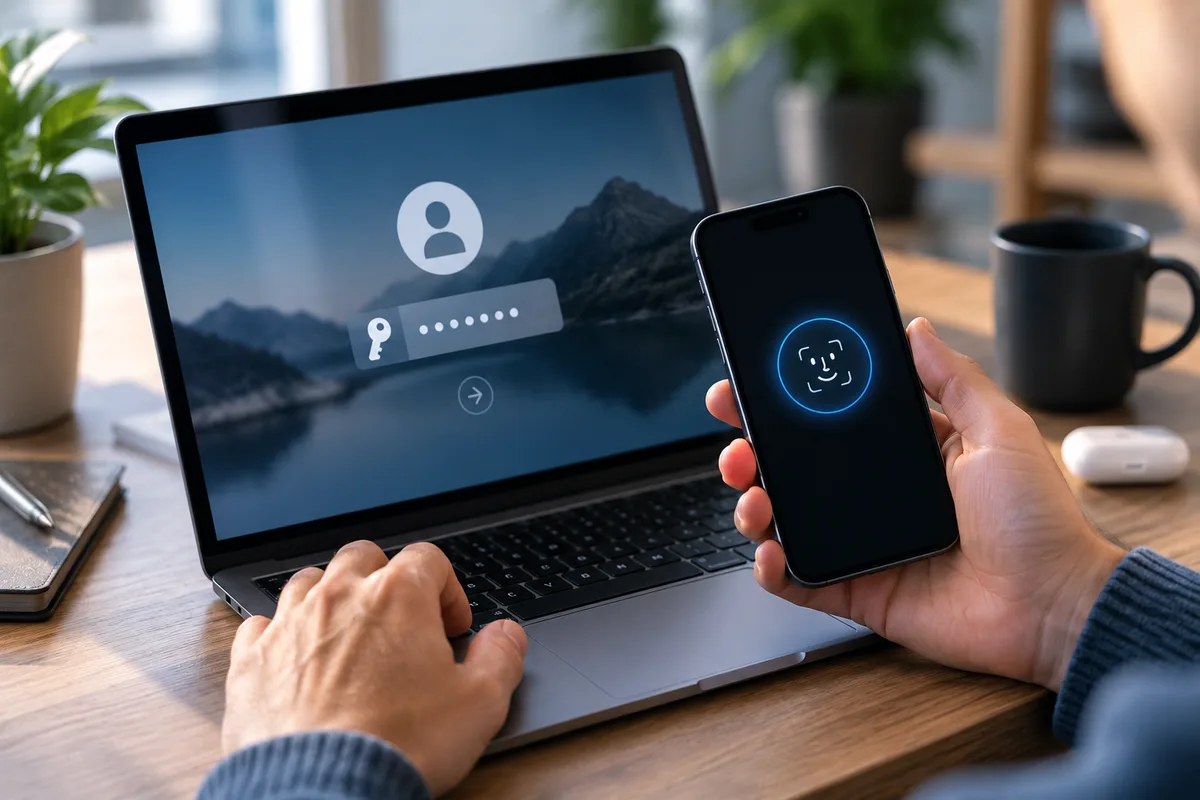
This is one of the most reasonable concerns about passkeys.
You might use a long, unique password for an account but unlock your phone with a much shorter PIN. How can the second system possibly be safer?
Because the PIN is doing a different job.
Your device PIN is generally used locally to unlock access to the credential stored on your device. It is not sent to every website as your account secret.
NIST distinguishes this type of local activation secret from a centrally verified password: the activation secret is used locally to access the authentication credential rather than being transmitted to the remote verifier.
That does not make device security irrelevant.
Someone who knows your device PIN and has physical access to your unlocked or unlockable device may be able to use credentials stored on it.
The advantage is that a remote attacker cannot normally sit on the other side of the world and repeatedly guess that PIN against the website’s login form.
Does Face ID or Your Fingerprint Get Sent to the Website?
No.
This is another common misunderstanding.
When your phone asks for your fingerprint or face before using a passkey, your biometric data is being used to authorize the credential locally.
The website does not receive your fingerprint image or face scan.
FIDO Alliance states that biometric processing remains on the user’s device and that the remote server receives confirmation that the local verification succeeded, rather than receiving the biometric information itself.
Google similarly states that biometric data used for passkey sign-in stays on the device.
So Face ID is not replacing your password with a photograph of your face stored on every website you visit.
It is unlocking permission for your device to use the correct cryptographic credential.
What Happens If Someone Steals Your Phone?
A stolen phone does not automatically give the thief access to every account protected by a passkey.
They still need to unlock the device or otherwise satisfy the authentication method protecting the credential.
But this is exactly why your phone’s screen lock becomes more important when you rely heavily on passkeys.
A passkey should generally be created only on a device you control.
Google explicitly warns users not to create passkeys on shared devices and notes that someone who can unlock a device containing a Google Account passkey may be able to access that account.
If a device is lost or stolen, review the account and credential-management options provided by the relevant service and remove access associated with the missing device where appropriate.
Do not treat the physical security of your phone as separate from your online security anymore.
With passkeys, the two are increasingly connected.
What If You Lose Your Phone Completely?
This depends on the type of passkey.
A synced passkey can be securely synchronized through a credential provider, allowing it to become available on other devices associated with that provider.
A device-bound passkey remains tied to one particular device, such as a compatible hardware security key.
FIDO Alliance recognizes both types. It also supports cross-device authentication, where a passkey available on one nearby device can help you sign in on another.
This means losing one phone does not necessarily mean losing every passkey.
But it does make recovery planning important.
Before depending on passkeys for critical accounts, understand where they are stored and how your credential provider handles a new phone, a lost device, or total loss of your existing devices.
The Weak Link May Still Be Account Recovery
This is the part of passkey security that deserves more attention.
Imagine that your account uses an excellent phishing-resistant passkey—but an attacker can bypass it by convincing the service to reset your account through a poorly protected recovery channel.
Your login is strong.
Your account may still have another door.
Creating a passkey also does not necessarily mean that the website removes your old password or existing recovery options.
Google, for example, states that adding a passkey to a Google Account does not automatically remove the account’s existing authentication or recovery factors.
That means the real security question is not only:
“Do I have a passkey?”
It is also:
“How else could someone get into this account?”
Check the recovery email, recovery phone number, remaining passwords, backup authentication methods, and devices that still have account access.
The same principle applies whenever sensitive credentials are involved. Curiworld’s guide to what information you should never share with an AI chatbot covers why passwords, authentication information, and other high-impact account secrets should stay out of unnecessary online conversations.
Is a Passkey Safer Than Password Plus Two-Factor Authentication?
Often, yes—particularly when the second factor is an SMS code or another one-time code that has to be manually entered.
A password plus a verification code certainly creates an extra barrier compared with a password alone.
The problem is that a sophisticated phishing site can sometimes collect both.
NIST’s current authentication guidance does not classify manually entered OTP authentication as phishing-resistant. By contrast, cryptographic authentication using WebAuthn can provide phishing resistance because authentication is bound to the legitimate verifier.
The UK’s National Cyber Security Centre now recommends choosing passkeys over passwords when passkeys are available and describes them as a more secure alternative to traditional passwords and conventional 2-step verification methods.
That does not mean every organization should use exactly the same type of passkey.
High-security environments may use hardware-backed or device-bound credentials, while ordinary consumers may prefer synced passkeys because they are easier to recover and use across devices.
Should You Switch to Passkeys?
For most personal accounts, using a passkey when a reputable service offers one is a sensible security upgrade.
A practical approach is:
- Create passkeys only on devices or credential managers you trust.
- Protect your phone and computer with a strong screen lock and keep their software updated.
- Review how your passkeys are synchronized and how you would recover them after losing your devices.
- Remove old or unknown devices and passkeys from account-security settings.
- If the service keeps a password as a fallback, keep that password strong and unique rather than assuming the passkey made it irrelevant.
You do not need to abandon a password manager overnight or refuse every service that still uses passwords.
Passkey adoption is still a transition.
For accounts that do not support them, a unique password stored in a reputable password manager remains far better than reusing an easy-to-remember password across multiple sites.
Passkeys Are Safer—but They Do Not Make an Account Invincible
The most important benefit of a passkey is surprisingly specific.
It removes the reusable secret that traditional phishing attacks are designed to steal.
There is no password to reuse on another site, no login secret to type into a convincing fake page, and no equivalent password database sitting on the service waiting to be cracked.
That is a major improvement.
But the security of the whole account still depends on the device holding the passkey, the credential provider protecting synced passkeys, any remaining fallback login methods, and the account-recovery process.
So if a service you trust asks whether you want to create a passkey, the answer for most users is yes.
Just do not interpret “passwordless” as “risk-free.”
A passkey makes one of the internet’s oldest security problems dramatically harder to exploit. Your job is to make sure the other doors to the account are protected too.








Join the discussion