One Earbud Dies Faster Than the Other? Here’s What’s Going On
One earbud can drain faster because it is handling more wireless or microphone work. But a large, consistent gap may point to charging or battery wear.
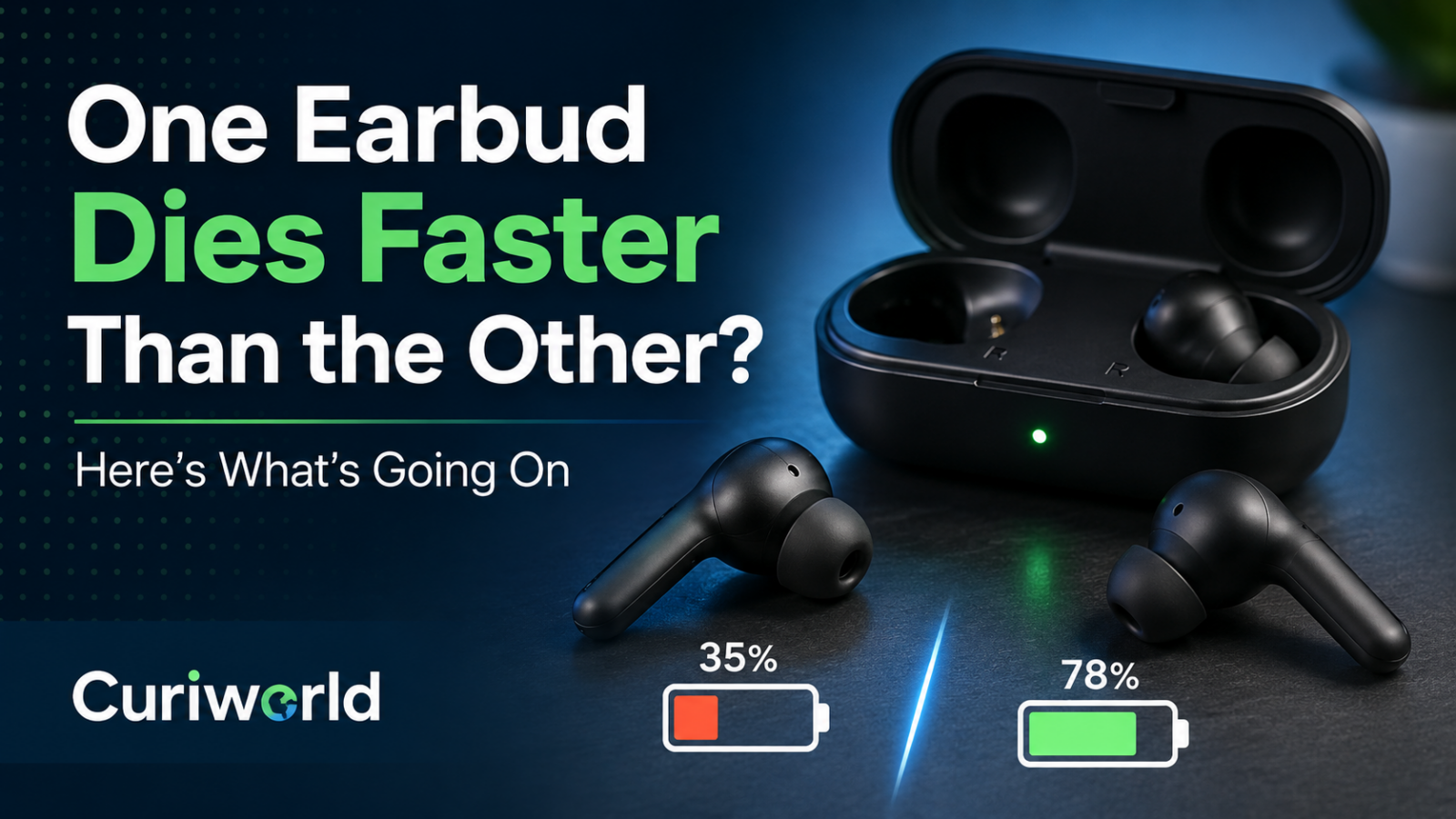
You take both wireless earbuds out of the same charging case at 100%. An hour later, one shows 62% while the other still has 78%.
That does not automatically mean one earbud is defective.
True wireless earbuds may look identical, but they do not always perform exactly the same jobs at exactly the same time. One side may handle more of the Bluetooth connection, microphone work, voice assistant activity, or other processing.
A small difference can therefore be normal.
A huge and repeatable difference is another story.
The Two Earbuds May Not Be Doing Equal Work
Wireless earbuds operate as a pair, but the workload inside that pair is not necessarily divided perfectly in half.
Depending on the model, one earbud may temporarily take a more demanding role in maintaining the connection or coordinating communication between the phone and the other earbud.
Samsung, for example, explains that one Galaxy Bud can operate as the master device and consume battery faster. The master role can switch between the left and right sides depending on the usage environment.
That means seeing something like 70% on one side and 62% on the other during a listening session is not automatically evidence of a failing battery.
What matters more is what happens over the entire session.
If both earbuds usually reach low battery at roughly similar times, some temporary imbalance may simply reflect how the system is distributing work.
If one earbud repeatedly shuts off while the other still has a large amount of charge remaining, it is worth investigating.
Calls Can Make One Side Work Harder
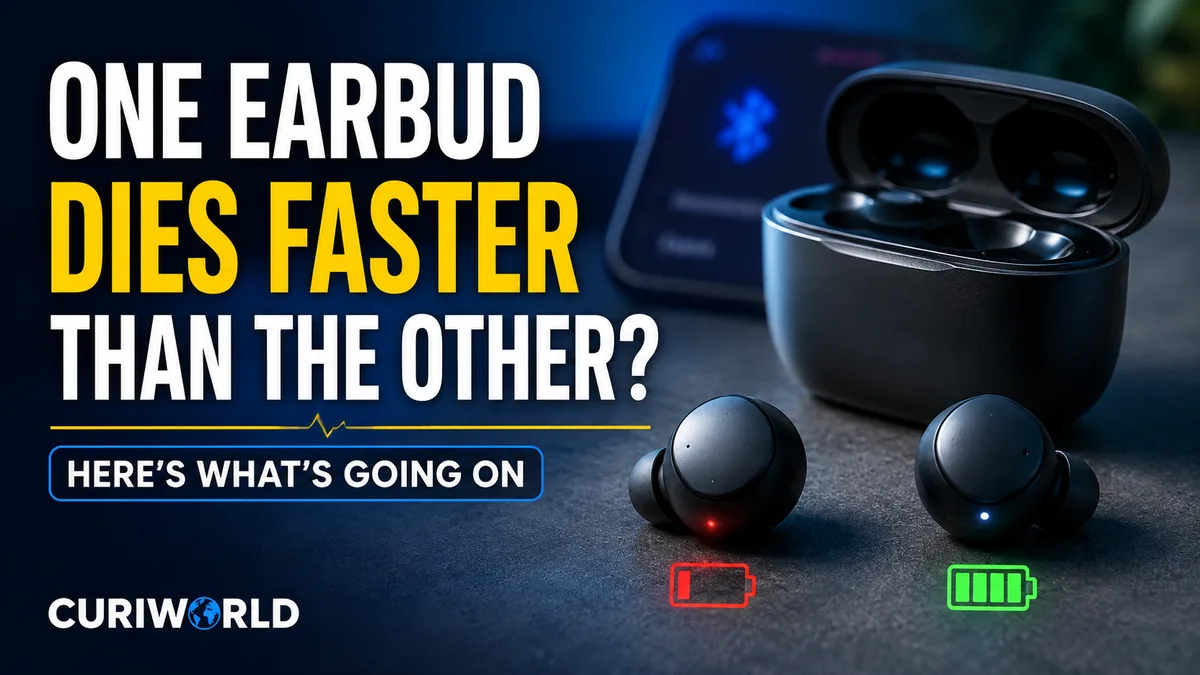
Microphones are another common reason for uneven battery use.
Each earbud may contain a microphone, but your device does not necessarily use both microphones identically during a phone call, voice recording, or interaction with a voice assistant.
Apple’s AirPods settings illustrate this clearly.
AirPods can automatically choose which earbud acts as the microphone, but users can also configure the microphone to remain on the left or right AirPod.
If one side is consistently handling the microphone during long calls, that earbud may have a slightly higher power workload.
So ask yourself how you actually use the earbuds.
If most of your listening is music, the difference may be small. If you spend hours on calls, online meetings, or voice chats, microphone usage becomes a more useful clue.
Using One Earbud Alone Can Create Long-Term Imbalance
A more obvious difference develops when you regularly use only one earbud.
Maybe you keep your right ear free while walking outside. Maybe you use only the left earbud for work calls. Or perhaps you habitually remove the same side first.
Over months or years, that earbud accumulates more usage and more charging cycles.
Rechargeable batteries gradually lose their ability to hold their original capacity as they age. If one earbud has been used significantly more than the other, the two tiny batteries may no longer have identical health.
This can eventually turn a small runtime difference into something much more obvious.
If battery behavior in other devices interests you, Curiworld also explains why phone batteries can drain faster in cold weather and how battery chemistry affects the power a device can actually deliver.
Make Sure Both Earbuds Really Charged to 100%
Sometimes the earbud that “dies faster” never received a full charge in the first place.
This is one of the easiest problems to miss.
You put both earbuds into the case overnight and assume they are charging. In reality, one may not be sitting correctly against its charging contacts.
Before blaming battery health, check the individual charge level of each earbud after removing them from the case.
Apple’s troubleshooting guidance for AirPods specifically recommends checking the charge status to confirm that each AirPod is actually charging.
If one side repeatedly comes out of the case at 85% while the other is at 100%, you may have a charging problem rather than a battery-drain problem.
Dirty Charging Contacts Can Create Fake “Battery Drain”
Earbuds spend a lot of time in places that are not especially clean: ears, pockets, bags, gym cases, and desks.
Skin oils, dust, lint, and debris can collect around the earbuds and charging case.
If contamination interferes with the electrical contact between one earbud and its case, that side may charge inconsistently.
The result looks exactly like bad battery life.
You start listening with what you assume is a full battery, and one side dies much earlier because it was never fully charged.
Inspect both earbuds and the inside of the case in good light.
Follow the manufacturer’s cleaning instructions rather than digging into the charging case with sharp metal objects or soaking components with cleaner. Wireless earbuds contain delicate contacts, batteries, microphones, sensors, and electronics packed into a very small space.
After cleaning and drying them properly, charge both earbuds fully and test again.
Bluetooth Workload Can Be Different on Each Side
True wireless earbuds do much more than play sound.
They may also be handling:
- Bluetooth communication
- microphone input
- touch controls
- ear-detection sensors
- active noise cancellation
- transparency or ambient-sound processing
- voice assistants
- head tracking
- spatial audio features
How manufacturers distribute those jobs varies by model.
This is one reason it is risky to assume that the left and right battery percentages should remain perfectly synchronized throughout an entire listening session.
Wireless audio already involves a chain of encoding, transmission, buffering, decoding, and processing. Curiworld’s guide to why Bluetooth audio has a delay explains what is happening behind the scenes between your phone and wireless earbuds.
Battery usage is affected by that same broader reality: wireless earbuds are tiny computers as much as they are tiny speakers.
Could Noise Cancellation Cause Uneven Battery Drain?
Active noise cancellation requires power because microphones and processors continuously analyze surrounding sound and generate corrective audio.
However, with both earbuds operating normally in the same mode, ANC alone does not automatically explain why one side dies dramatically earlier.
A modest difference can occur because the overall workloads of the two earbuds are not identical.
But if one side reaches zero while the other is still at 40% or 50% every single time, simply blaming noise cancellation is unlikely to be enough.
That level of imbalance deserves further troubleshooting.
Restart, Update, and Reset Before Assuming Hardware Failure
Software can affect how wireless earbuds communicate, report battery levels, and distribute tasks.
If uneven drain appears suddenly, check whether updates are available for:
- the earbuds
- their companion app
- your phone
- the phone’s operating system
Then disconnect and reconnect the earbuds according to the manufacturer’s instructions.
If the problem continues, many manufacturers provide a reset procedure that returns the earbuds to their connection defaults.
A reset will not repair a physically worn battery, but it can rule out certain software or pairing problems before you start considering replacement.
A Simple Test Can Tell You How Serious the Difference Is
Instead of repeatedly checking the battery percentage every few minutes, run a controlled test.
- Charge the case and both earbuds fully.
- Confirm that both earbuds actually show a full charge.
- Use both at the same time.
- Keep them in the same listening mode.
- Avoid switching to single-earbud use during the test.
- Note when each earbud reaches low battery or turns off.
Do this more than once.
A single session can be misleading because calls, microphone switching, connection behavior, and other features may change the workload.
A repeated pattern is much more informative.
When Is the Difference Probably Normal?
A small or changing gap is generally less concerning.
For example, one earbud may temporarily sit 5%, 10%, or even somewhat further below the other before the roles or workload change.
The exact acceptable difference varies by product, so there is no universal percentage that proves everything is healthy.
Focus on usable runtime instead.
If both earbuds remain usable for roughly the expected session and finish near the same time, the percentage difference may not matter much.
When Should You Suspect a Real Problem?
Pay more attention if:
- the same earbud always dies first
- the gap becomes progressively larger
- one earbud does not reliably reach a full charge
- one side suddenly has much shorter runtime than it used to
- resetting and updating make no difference
- one earbud shuts down while the other still has substantial battery remaining
At that point, possible causes include degraded battery capacity, charging-contact problems, hardware faults, or another issue specific to the model.
If the earbuds are still under warranty, manufacturer support is usually a better next step than trying to open them yourself. True wireless earbuds are densely assembled, and their tiny lithium-ion batteries are not designed for casual home repair.
Uneven Battery Percentage Does Not Always Mean Uneven Battery Health
The most useful distinction is between different percentages and different usable lifespans.
Wireless earbuds can show different battery levels because one side is temporarily doing more work. Calls, microphone assignments, Bluetooth roles, sensors, and your own usage habits can all contribute.
But if the same earbud consistently dies far earlier—even after confirming that both sides charged fully, cleaning the case, updating the software, and testing them under the same conditions—the battery or hardware on that side becomes a much stronger suspect.
So do not judge the earbuds by one percentage reading.
Judge them by the pattern.
Sources
Samsung — Check the Battery Level Difference Between the Left and Right Earbuds of the Galaxy Buds






Join the discussion