Your Phone Is Charging — So Why Is It Taking Forever?
Slow charging can be caused by the charger, cable, power source, phone temperature, battery level or what the device is doing while plugged in. One weak link can limit the entire charging process.
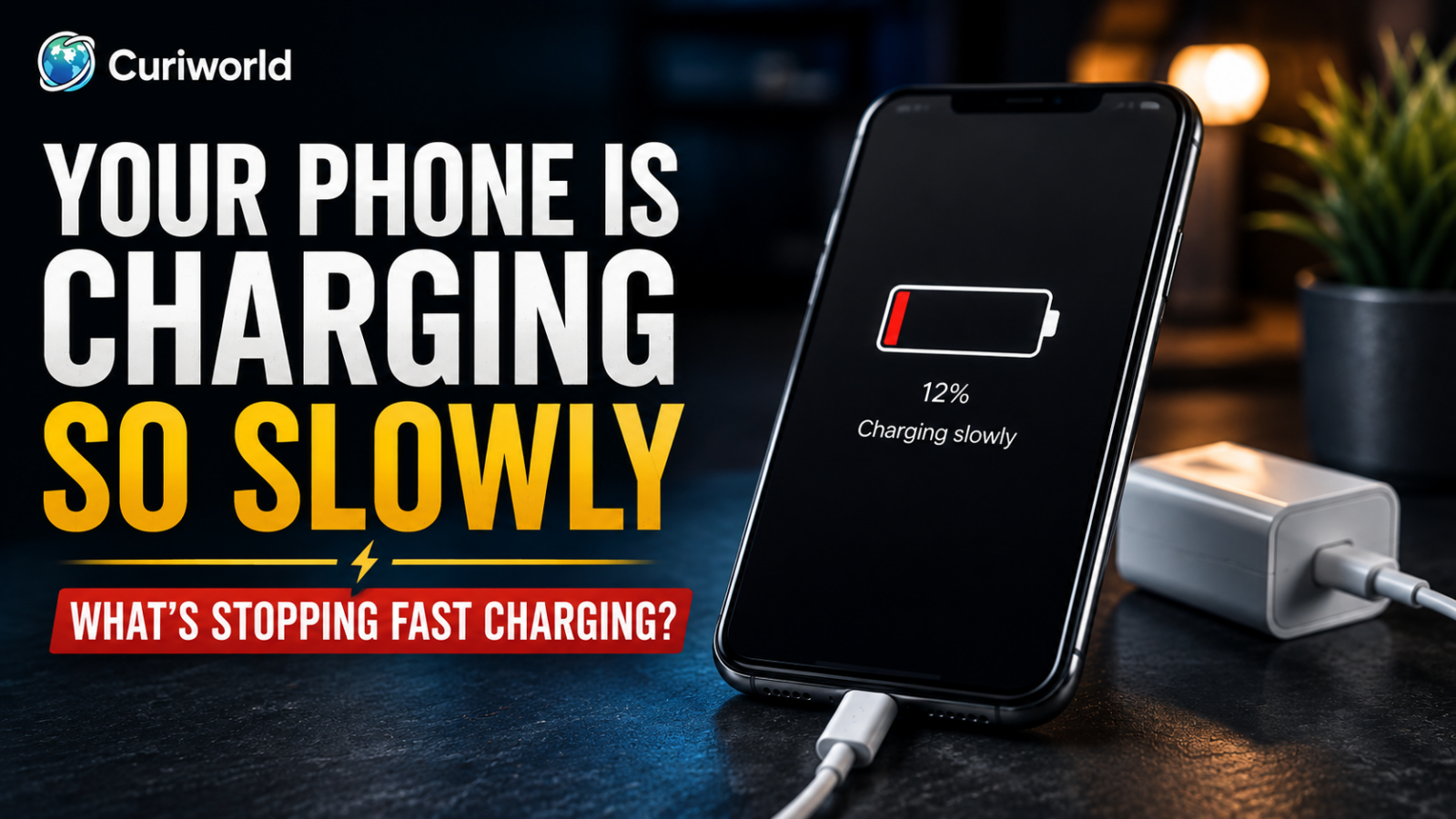
Your phone is plugged in. The charging symbol is there. Everything seems to be working.
But twenty minutes later, the battery percentage has barely moved.
Slow charging can be more frustrating than a phone that refuses to charge at all. Nothing appears obviously broken: the cable fits, the charger has power, and the phone recognizes the connection. Yet the fast charging you expected is nowhere to be seen.
The problem is that fast charging does not depend on one component.
Your phone, charger, cable, power source, temperature, battery level, and even what you are doing while the device is plugged in can all affect charging speed. If one part of that chain becomes a bottleneck, the phone may continue charging normally—just far more slowly than expected.
Here is how to find out where the slowdown begins.
Fast Charging Depends on the Whole Charging Chain
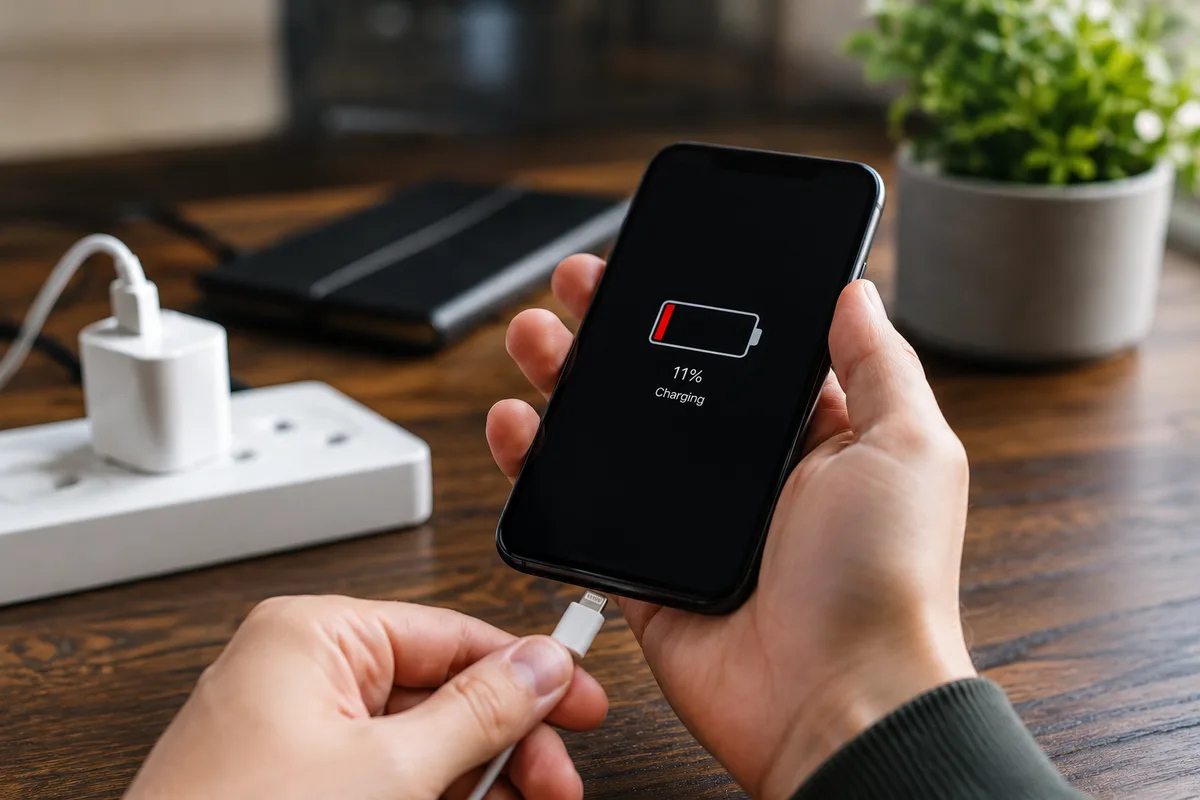
A 65W or 100W number printed on a charger does not mean your phone will automatically receive that much power.
The phone ultimately controls how much power it accepts.
For fast charging to work as intended, several things need to line up:
- your phone must support fast charging;
- the charger must provide enough power;
- the charger and phone must use compatible charging technology;
- the cable must support the required power;
- the power source must be capable of supplying it;
- and the phone must be in conditions where it is willing to charge quickly.
That final point matters more than it sounds.
A phone can deliberately reduce charging power when it gets too warm or as its battery becomes fuller. So a slower charge is not always evidence of a fault.
Before replacing anything, find the weakest link.
Your Charger May Be Too Weak
Start with the power adapter.
An older adapter may charge a modern smartphone perfectly well without supporting the fastest charging speed the phone can handle.
This is especially common when people reuse chargers from older devices.
The phone recognizes the charger and the battery percentage rises, so everything appears normal. But a low-power adapter can turn what should be a relatively quick top-up into a much longer charging session.
Check the wattage printed on the adapter and compare it with the charging requirements published for your specific phone.
Do not judge compatibility by the connector alone.
Two chargers can both have USB-C ports and deliver very different charging performance.
A Bigger Wattage Number Is Not Automatically Faster
The opposite assumption can also cause confusion.
If your phone can accept only a certain amount of charging power, connecting it to a dramatically more powerful charger does not force all of that power into the battery.
The phone requests what it can safely use.
That means replacing a suitable 30W charger with a 100W model will not necessarily make a phone charge any faster.
The better question is not:
“Which charger has the biggest number?”
It is:
“Does this charger support the power and charging standard my phone needs?”
Fast charging is about compatibility as much as raw wattage.
The Cable Can Quietly Kill Fast Charging
The charger gets most of the attention, but the cable between the charger and phone is part of the same power path.
A cable can be good enough to charge a phone but not good enough to deliver its fastest supported charging speed.
It may also be internally damaged even when the outside looks normal.
Pay attention if:
- fast charging disappeared after changing cables;
- charging repeatedly connects and disconnects;
- the connector feels loose;
- the cable becomes unusually warm;
- or charging speed changes when the cable moves.
The easiest test is substitution.
Keep the same phone and charger but replace the cable with a known-working compatible cable that supports the required charging power.
If charging suddenly becomes faster, you have found the bottleneck.
A visibly frayed, damaged, discolored, or overheating cable should be replaced rather than tested repeatedly.
Where You Plug In Can Matter More Than You Think
Not every USB port delivers the same amount of power.
A dedicated wall charger may provide considerably more charging power than a USB port on a laptop, monitor, car, airplane seat, or inexpensive hub.
Multi-port chargers introduce another variable.
A charger might advertise a high maximum output, but that power can be divided when several devices are connected at once. Plug in a laptop, tablet, smartwatch, and phone together and the amount available to each port may change.
If charging seems unusually slow, simplify the setup.
Connect your phone directly to a known-working compatible wall charger using a suitable cable. Disconnect other devices from the charger while testing.
If charging speed improves, the phone itself probably was not the problem.
Using Your Phone While Charging Can Hide the Speed
Charging is not the only thing happening to your battery.
Your phone is consuming power at the same time.
Think of it like filling a bathtub while some water is still draining out. Water is going in, but the level rises more slowly.
The same thing happens when you play a demanding game, navigate with GPS, make a long video call, record video, use a mobile hotspot, or stream high-quality content while charging.
The display matters too, particularly at high brightness.
Apple specifically notes that processor- or graphics-intensive apps and high-quality video streaming—especially with the display at full brightness—can reduce charging speed.
There is an easy way to test this.
Plug the phone into a suitable charger, lock the screen, and leave it alone for a while.
If the battery percentage begins rising much faster, your charger may have been working properly all along. The phone was simply consuming a substantial portion of the incoming power.
Heat Can Make Fast Charging Disappear
Fast charging produces heat.
At the same time, lithium-ion batteries need temperature management. Modern smartphones therefore monitor their thermal state and can reduce charging speed—or temporarily pause charging—when conditions become too hot.
This can happen when you:
- charge in direct sunlight;
- leave the phone in a hot vehicle;
- play games while charging;
- use navigation for a long period;
- record video;
- run demanding apps;
- or charge in an already warm environment.
If the phone feels unusually hot, stop demanding activities and move it to a more moderate environment.
Do not put an overheated phone in a refrigerator or freezer. Extreme temperature changes are not an appropriate cooling method.
If your phone becomes warm even when it should be doing very little, Curiworld’s guide to a phone getting hot while it is not being used explores that problem in more detail.
Temperature is not just a comfort issue. It can directly influence how much charging power the phone is willing to accept.
Faster charging also means more power is being converted, so some warmth can be normal. Curiworld explains why a phone charger gets warm and when the heat deserves attention.
Fast Charging Is Not Equally Fast From 1% to 100%
Another common misunderstanding comes from expecting maximum charging speed throughout the entire charging session.
That is not how modern battery management necessarily works.
Charging behavior can change as the battery fills. A phone may accept power more aggressively at a lower state of charge and then reduce charging speed as it approaches full capacity.
So comparing the time it takes to move from 10% to 30% with the time required to move from 80% to 100% can be misleading.
If fast charging seems impressive when the battery is low but noticeably slower later, nothing may be wrong.
The battery level itself can be part of the explanation.
Battery Protection Features Can Intentionally Slow Things Down
Smartphone manufacturers increasingly use software features designed to reduce unnecessary battery stress.
Depending on the phone, you may see settings or behaviors described as optimized charging, adaptive charging, battery protection, or a charge limit.
These features can change when or how quickly the battery completes its charge.
A phone that slows down or pauses around a higher percentage may therefore be behaving exactly as designed.
Check your phone’s Battery or Charging settings before concluding that the charger has failed.
This distinction is important:
A phone that charges quickly at low percentages and then deliberately slows down is behaving very differently from a phone that charges painfully slowly from the moment it is plugged in.
Wireless Charging Adds More Variables
Wireless charging is convenient, but it introduces factors that do not exist with a direct cable connection.
Alignment matters.
So do the wireless charger, its power adapter, your phone case, attached accessories, and temperature.
If wireless charging is unusually slow:
- Reposition the phone carefully on the charger.
- Remove a thick case or attached accessory temporarily.
- Check the power adapter connected to the wireless charger.
- Make sure the wireless charger supports the speed you expect.
- Compare the result with a compatible wired charger.
That comparison can tell you a lot.
If wired fast charging works normally while wireless charging remains slow, the phone’s battery is unlikely to be your first suspect.
Look at the wireless charging setup instead.
A Poor Port Connection Can Cause Charging Problems Too
A dirty or damaged charging port is more commonly associated with a phone that will not charge at all, but an unreliable physical connection deserves attention when charging behaves strangely.
Phones spend a lot of time in pockets and bags, where lint and debris can accumulate.
Look for clues:
- the connector no longer seats firmly;
- charging repeatedly starts and stops;
- the cable needs to sit at a particular angle;
- or the connection changes when the cable moves.
Inspect the port carefully in good light.
Do not aggressively scrape inside the port or insert metal objects. The contacts are small and physical damage can turn a minor problem into a repair.
If your phone is struggling to establish a charging connection at all, see Curiworld’s guide to what to check when your phone will not charge.
Slow charging and no charging are related problems, but they are not the same search problem—and they do not always have the same solution.
Slow Charging Can Actually Be Fast Battery Drain
Here is one possibility that is easy to miss.
The charger may be supplying a perfectly reasonable amount of power while the phone is consuming an unusually large amount at the same time.
From your perspective, the battery percentage barely moves.
That looks like slow charging.
But the underlying problem may actually be excessive power consumption.
A useful clue is what happens after you unplug the phone.
If the battery also drops unusually quickly during normal use, investigate battery drain rather than focusing only on the charger.
Curiworld’s guide to what can make a phone battery drain unusually fast covers apps, display use, weak signal, heat, background activity, and battery aging in more detail.
The difference is simple:
Slow charging describes how quickly usable energy is being added.
Fast battery drain describes how quickly the phone is consuming that energy.
Both can happen at the same time.
Test Slow Charging in This Order
Changing five things at once might improve charging speed, but it will not tell you what fixed the problem.
A better approach is to isolate one variable at a time.
1. Check the Charger
Confirm that its output and charging technology are appropriate for your specific phone.
2. Swap the Cable
Use a known-working compatible cable capable of carrying the required charging power.
3. Use a Wall Outlet
Temporarily avoid laptops, hubs, car ports, and other potentially lower-power sources.
4. Disconnect Other Devices
If you are using a multi-port charger, test the phone by itself.
5. Stop Using the Phone
Lock the screen and leave demanding apps alone while you measure charging performance.
6. Check the Temperature
If the phone is hot, let it return naturally to a normal operating temperature.
7. Look at the Battery Percentage
Remember that charging can slow as the battery becomes fuller.
8. Check Charging Settings
Look for optimized charging, adaptive charging, battery protection, or charge-limit features.
9. Inspect the Port
Look for an unstable connection, debris, or visible damage.
10. Restart the Phone
If everything else appears normal, a restart can rule out some temporary software behavior.
This sequence turns “my phone charges slowly” into a much more useful question:
Which part of the charging chain is limiting the speed?
When Slow Charging Starts Looking Like a Hardware Problem
Most slow-charging problems can be narrowed down without immediately paying for a repair.
But there is a point where professional inspection becomes more reasonable.
Consider manufacturer support or qualified service if:
- several known-working compatible fast chargers remain unusually slow;
- the charging connection repeatedly drops;
- the port appears physically damaged;
- charging performance changed significantly after impact or liquid exposure;
- the phone becomes excessively hot during ordinary charging;
- both wired and wireless charging behave abnormally;
- or the device reports a battery or charging hardware problem.
Physical battery swelling requires more caution.
If the phone’s enclosure is separating or the battery appears swollen, stop using and charging the device and follow the manufacturer’s safety and service guidance. Do not press the enclosure back together or attempt an improvised battery repair.
Fast Charging Is Only as Fast as Its Weakest Link
When a phone charges slowly, blaming the battery is tempting.
But the battery is only one part of the system.
Your phone needs a compatible charger. The charger needs to deliver enough power. The cable needs to carry it. The power source needs to supply it. The phone needs to stay within an acceptable temperature range, and heavy use can consume some of the incoming energy before it ever appears as additional battery percentage.
Then, as the battery fills, the phone may deliberately slow the process.
So do not replace everything at once.
Start with the charger. Test the cable. Use a direct wall outlet. Put the phone down for a while. Check its temperature, battery percentage, and charging settings.
Find the weakest link in the chain, and slow charging usually becomes much less mysterious.






Join the discussion