Does GPS Work Without Internet? Here’s What Actually Happens
GPS does not need Wi-Fi or mobile data to locate you. The confusion begins because maps, traffic, searches, and location sharing often do.
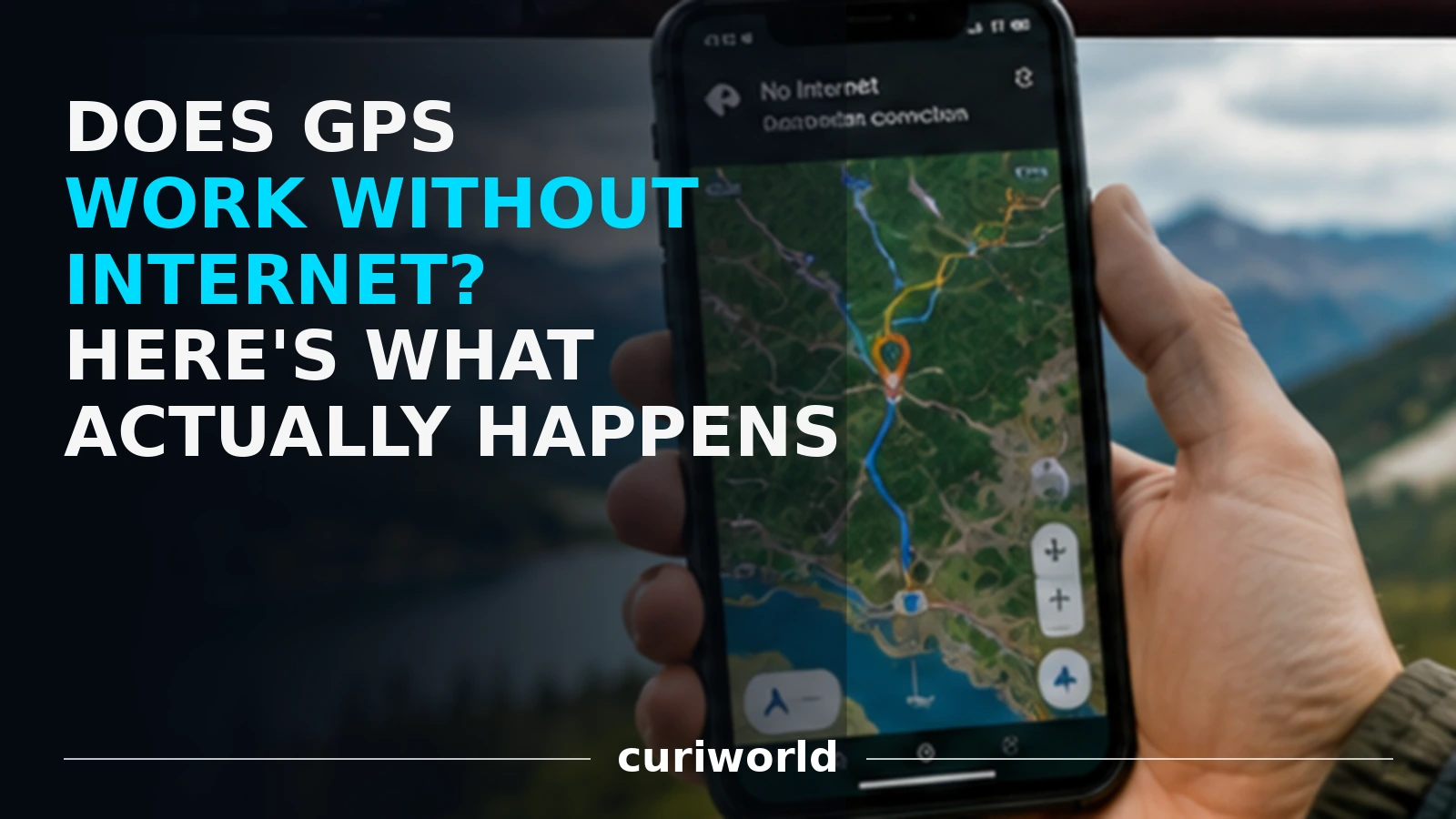
You lose cell service on a remote road, open your phone, and the blue location dot is still there. It seems contradictory: if the internet is gone, how does the phone still know where you are?
The answer is simple: GPS does not need an internet connection to determine your location.
A GPS-capable device receives radio signals directly from satellites orbiting Earth. Mobile data and Wi-Fi can make smartphone navigation faster and more useful, but they are not what allows GPS itself to calculate your position.
What often causes confusion is that GPS, maps, traffic information, place searches, and location sharing are separate functions. Some can work completely offline. Others cannot.
Does GPS Work Without Wi-Fi or Mobile Data?
Yes.
GPS can determine your location without Wi-Fi, mobile data or an active cellular connection.
Your phone receives positioning signals directly from navigation satellites.
What may stop working without internet access are the services built around that location, such as:
- downloading new map areas,
- live traffic,
- business searches,
- route updates,
- location sharing,
- and some online navigation features.
So GPS itself can still work offline even when the map or app around it becomes much less useful.
GPS and the Internet Are Two Different Systems
GPS stands for Global Positioning System.
The system includes satellites orbiting Earth that continuously broadcast information about their position and precise time. A GPS receiver—such as the one inside a smartphone—listens for those signals and uses them to calculate where it is.
According to GPS.gov, GPS satellites transmit one-way signals to receivers on Earth. The receiver uses information from the satellites to calculate its three-dimensional position and time. (gps.gov)
There is no requirement for the phone to contact the satellite through the internet.
The satellite does not need your SIM card.
It does not need Wi-Fi.
It does not need a 4G or 5G connection.
Your phone is essentially listening to signals already being broadcast from space.
That is why dedicated hiking GPS units, aircraft navigation equipment, marine receivers, and many other GPS devices can determine their position in places where cellular service does not exist.
The same principle explains why GPS can work on a smartphone without an active SIM card: the SIM provides cellular service, while satellite positioning is a separate system.
Does Google Maps Work Without Internet?
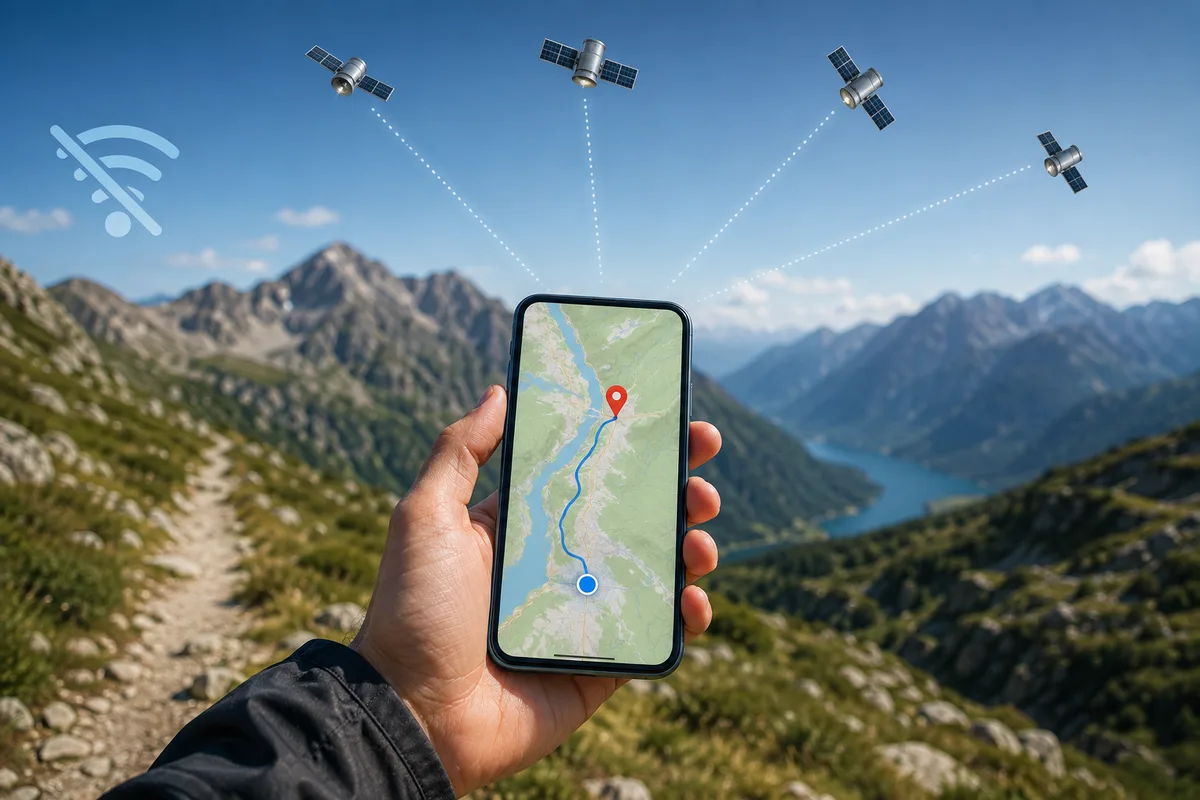
Yes, if the necessary map data has been downloaded in advance—but GPS location and Google Maps are not the same thing.
GPS may know that you are at a particular latitude and longitude, but your mapping app still needs information about roads, buildings, businesses, trails, place names, and routes.
If that information is stored on a remote server rather than your phone, the app needs an internet connection to retrieve it.
This creates one of the most common misunderstandings about GPS.
A map that refuses to load does not necessarily mean GPS has stopped working.
Your phone may still know exactly where it is while having no map data available to show you what surrounds that location.
Think of GPS as answering:
“Where am I?”
The map answers:
“What is around me?”
And the navigation system answers:
“How should I get from here to somewhere else?”
Those are related functions, but they are not the same thing.
Offline Maps Solve Much of the Problem
If map data has already been downloaded to your phone, GPS positioning and mapping can work together without a live internet connection.
Google Maps, for example, allows users to download selected areas in advance. Google states that an offline map can guide you to a destination without an internet connection as long as the entire route is contained within the downloaded area. (support.google.com)
This can be especially useful when:
- Traveling abroad without mobile data
- Driving through areas with poor cellular coverage
- Hiking in remote regions
- Traveling through rural areas
- Trying to reduce roaming costs
- Preparing for temporary network outages
The important step is downloading the required map before losing your connection.
GPS can locate you offline, but it cannot magically download a road map that was never stored on your device.
If the location you are saving is an airport, it also helps to know how early you should really arrive before a flight.
What Still Works Without Internet?
Exactly what works depends on the device and app, but the underlying GPS receiver can continue calculating location without internet access when it can receive adequate satellite signals.
With appropriate offline software and downloaded data, your phone may still be able to provide:
Your current location
Satellite positioning itself does not require mobile data.
Latitude and longitude
GPS apps designed to display coordinates can continue doing so offline.
Movement and direction information
Apps can use successive location calculations and device sensors to determine movement.
Recorded tracks
Hiking, cycling, and fitness apps may be able to record your route locally and upload it later.
Offline navigation
If the necessary map and routing data are already stored on the device, turn-by-turn navigation may continue without internet access.
That final point depends heavily on the app.
Offline navigation is a feature of mapping software, not a special ability of GPS satellites.
What Usually Stops Working Offline?
Internet-dependent services disappear when the network connection does.
One of the most obvious losses is live traffic.
Your phone cannot know that a highway became congested five minutes ago unless it receives updated information from an external service.
Google specifically notes that offline driving navigation does not provide traffic information or alternative routes based on current conditions. (support.google.com)
Other features that may disappear include:
- Real-time traffic conditions
- Live road closures
- Updated alternative routes
- Some business searches
- Current opening hours
- Recently added roads or places
- Public transportation updates
- Live location sharing
- Cloud-based trip synchronization
A downloaded map is essentially a stored snapshot of geographic information.
GPS can move your position across that snapshot, but it cannot update the world around you without receiving new data.
Why Can GPS Feel Slower Without Internet?
Although GPS itself does not require the internet, smartphones often use more than satellite signals to make location services faster and more convenient.
A modern phone may combine information from GPS and other satellite-navigation systems with Wi-Fi networks, cellular towers, device sensors, and previously downloaded satellite information.
These assistance methods can help the phone establish an initial position more quickly.
Without them, the GPS receiver may sometimes need more time to acquire enough satellite information on its own—particularly if the device has been turned off for a long time or moved a large distance since its last location fix.
So losing internet does not necessarily make GPS inaccurate.
It may simply make the first location calculation slower in some circumstances.
Once the receiver has a good satellite fix, it can continue calculating its location independently.
GPS Is Actually Part of a Bigger Satellite System
People often use “GPS” as a generic term for all satellite positioning, but technically GPS is the satellite-navigation system operated by the United States.
Many modern smartphones can also receive signals from other Global Navigation Satellite Systems, or GNSS, including Europe’s Galileo, Russia’s GLONASS, China’s BeiDou, and regional systems supported by certain devices.
Your phone may therefore be using signals from several satellite constellations rather than GPS alone.
The practical point remains the same: satellite positioning signals arrive directly from space and do not travel through your mobile internet connection.
Does GPS Work in Airplane Mode?
Often, yes—but device behavior and airline restrictions should not be confused with the underlying technology.
Airplane mode primarily disables wireless transmitters such as cellular service. GPS reception is different because the device is receiving satellite signals rather than transmitting to GPS satellites.
Whether a particular app continues functioning in airplane mode depends on the operating system, device settings, permissions, and whether the app has the data it needs locally.
If you want to rely on your phone in an offline situation, the safest approach is to test the exact app and downloaded map before the trip rather than assuming every feature will remain available.
Why GPS Struggles Indoors Even With Perfect Internet
There is another useful clue that GPS and internet access are separate.
You can have an extremely fast Wi-Fi connection inside a large building and still receive a poor satellite-positioning signal.
GPS radio signals travel enormous distances from satellites orbiting roughly 20,200 kilometers above Earth. Buildings, roofs, tunnels, mountains, and other obstacles can block or reflect those signals.
GPS.gov notes that real-world positioning accuracy depends on factors including signal blockage, satellite geometry, atmospheric conditions, and receiver quality. (gps.gov)
That is why GPS usually performs best outdoors with a relatively clear view of the sky.
A phone inside a tunnel may have excellent downloaded maps and no reliable GPS position.
A phone on an open mountain can have no cellular coverage whatsoever and still obtain a strong satellite fix.
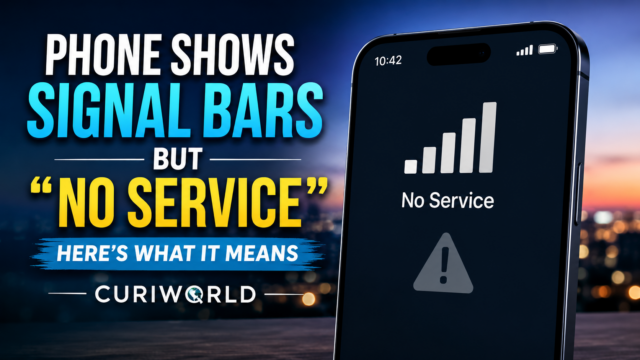
If your phone shows cellular signal bars but still says “No Service,” that is a carrier-registration problem rather than a GPS problem. See why signal bars can appear even when cellular service is unavailable.
Can Someone Track You Through GPS Without Internet?
This question reveals another important difference between determining a location and sending a location.
Your phone may determine where it is using satellite signals while completely offline.
But for another person to see that location remotely, the information normally has to leave your device somehow.
That usually requires a communication channel such as cellular data, Wi-Fi, or another supported transmission system.
So an offline phone can potentially know where it is without being able to tell someone else where it is.
An app may record locations locally and upload them once connectivity returns, but that is different from live tracking.
GPS satellites themselves are not watching your phone. GPS.gov describes them as transmitting one-way reference signals; your receiver listens to those broadcasts and calculates its own position. (gps.gov)
The Best Way to Prepare for a Trip Without Cell Service
If you expect to lose internet access, preparation matters more than the GPS hardware itself.
Download the map area before leaving reliable coverage.
Make sure the downloaded region includes your entire planned route—not simply your destination.
Save important locations such as your hotel, trailhead, parking area, airport, or emergency meeting point.
Check that the app can actually calculate routes offline rather than merely display a stored map.
Keep the phone charged, especially on long trips where GPS use can contribute to battery consumption.
And if navigation is safety-critical, do not make one smartphone your only backup. Remote travel may justify carrying a paper map, dedicated navigation device, or another appropriate backup depending on the environment.
Your Phone Can Know Where It Is Without Knowing What’s Around It
That is the easiest way to understand offline GPS.
The satellites can still help your phone calculate its position when Wi-Fi and mobile data disappear.
What the internet normally supplies is everything layered around that position: fresh maps, traffic, business information, route updates, search results, and communication with other devices.
Download the right information beforehand, and a smartphone can remain a surprisingly capable navigation tool far beyond the reach of a cellular tower.
Lose the map data as well as the connection, and the GPS receiver may still know exactly where you are—even if the screen has very little useful information to show you.
Sources
GPS.gov — GPS Overview
https://www.gps.gov/gps
Google Maps Help — Download Areas and Navigate Offline in Google Maps
https://support.google.com/maps/answer/6291838





Join the discussion